Everyday Joy

The printer & paper guide

First, a little setup.
Then, a little joy.

This is a real receipt printer, the kind you’ve seen at a coffee shop. It was made for a counter, a network, and a bit of configuration. We’re giving it a lovely new job.

It can take some patience to get going. Here’s what to choose, what to check, and how the pieces fit together.

Let’s take it one thing at a time ↓
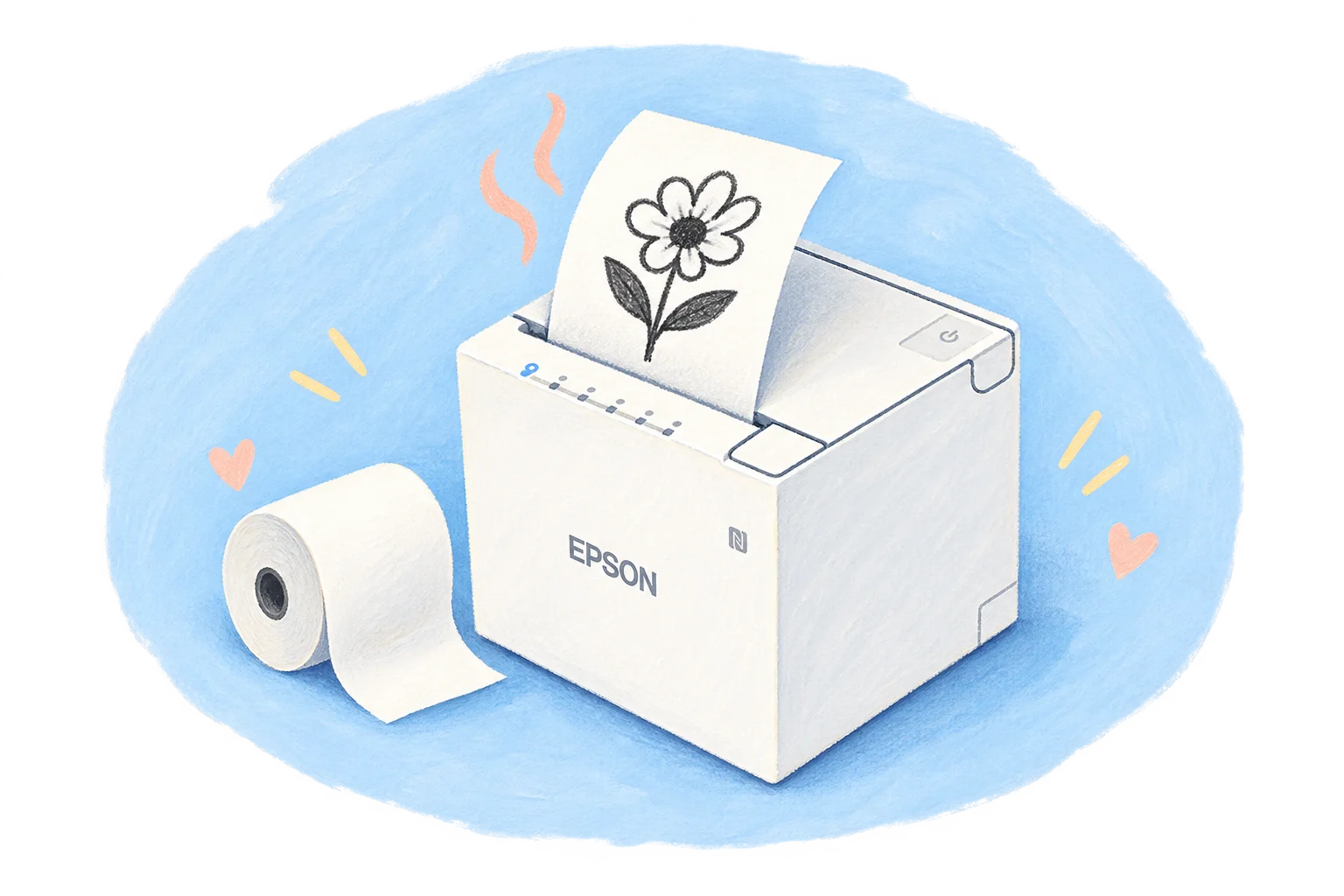
A painted white receipt printer with a paper roll and a freshly printed flower

Your small shopping list

Four things.
No ink cartridges.

The computer can be
one you already have.

  1. 01

    A compatible receipt printer

    Already have one? Start there. We expect most Epson receipt printers to work, and we’re adding support for more models. Check the exact model and connection with us before buying.

    Choose the printer ↓
  2. 02

    The right roll of paper

    Our choice is phenol-free thermal paper. Match the roll width and diameter to your printer, and look for the supplier’s statement about the paper’s ingredients.

    Choose the paper ↓
  3. 03

    A connection at home

    Wi-Fi is lovely for a flexible spot on the counter. Ethernet to your router or USB to a computer can work too, depending on your printer. A computer connects it to Everyday Joy.

    See the connection steps ↓
  4. 04

    A computer for the connection

    The planned companion app will link your printer to your account. Keep its computer awake and online whenever you want to print, including from your phone. It can be a computer you already own.

    Meet the Everyday Joy app ↗

A growing family of little printers

Yours might already
be the right one.

We love the look of the little white Epson in our photos. But Everyday Joy isn’t tied to that one model. Most Epson receipt printers should work, depending on the model and how it connects. We’re adding support for more printers and will keep this page updated with a confirmed list.

More printers, more possibilities

Tell us about yours.

Epson, or something else entirely

Have a receipt printer already, or one you’d love us to support? Send us the brand, model number, and how it connects. We’d love to help it find a new job.

We’ll share the supported models here as we confirm them. You’re always welcome to ask for another printer to join the family.

Ask us about your printer ↗
Check with us before you shop.

We’re building out the supported list, so let’s confirm your exact model before you buy anything. Our connection guide explains how the pieces fit together.

A little extra thought for little hands

The paper matters.
We choose phenol-free.

For the notes they keep.
And the art they make.

A lunchbox surprise. A dinosaur covered in crayon. This paper will spend time in the hands we care about, so we’ve looked closely at what goes into it. Our choice is phenol-free thermal paper, with clear information from the supplier about how it’s made.

Many thermal papers use BPA, BPS, or other phenolic developers to make the print appear. A “BPA-free” or “BPS-free” label alone doesn’t tell the whole story. We look for phenol-free, with confirmation that no BPA, BPS, or other phenolic developers are added.

It’s a more thoughtful choice for the prints we bring home. The Minnesota Pollution Control Agency also recommends phenol-free paper when you need thermal prints. Read the guidance behind our choice ↗

Phenol-freeour starting point for choosing paperA roll that fits80 mm wide for the Epson shown hereClear ingredientscheck the exact supplier’s statement

Option 01 / U.S. supplier

POS Supply Solutions

Non-phenol 3⅛″ × 230′ rolls, item T318-230-PF. The seller states no BPA or BPS and lists a 73 mm outside diameter.

See this paper ↗

Option 02 / U.S. supplier

POSPaper

Their phenol-free 3⅛″ × 230′ rolls are listed as made without BPA or BPS. Confirm the current roll dimensions with the seller before ordering.

See their phenol-free paper ↗

A heads-up on quantity: these listings sell boxes of 50 rolls. That’s a lot for a home. Ask about a small sample pack or split a box with a friend. Check that the smaller pack uses the same phenol-free paper.

Roll limits: TM-m30II-H specifications and TM-m30III specifications. The models shown take 80 mm paper with an outside roll diameter up to 83 mm. Other printers may differ. Supplier statements checked September 19, 2026; we have not independently tested the paper’s chemistry. “Phenol-free” describes the developers used, not a guarantee that any paper is completely risk-free.

For pantry and fridge notes, attach the paper to the outside of the container. The dates in our example notes are words you supply, not a food-safety calculation.

From the box to the first little print

One step.
Then the next.

  1. 01

    Give the printer a home.

    Plug in its correct power adapter, load the thermal roll following the printer’s instructions, and leave room for paper to come out. Use the printer’s own self-test to check that it can print before adding Everyday Joy.

  2. 02

    Make the connection.

    For Wi-Fi or Ethernet, connect the printer and the computer that will run Everyday Joy to the same home network. For USB, connect the printer directly to that computer. Follow the manufacturer’s setup steps for your exact model.

    Epson TM-m30III setup & support ↗
  3. 03

    Then, add a little Everyday Joy.

    Once the printer is connected, the app will be the place to sign in, pair your printer, and make your first note. It’s coming soon. We’ll walk you through that part when it’s ready.

    See what the app will do ↗
The slightly fiddly part has a purpose.

A little setup for
lots of little good things.

Next, meet the app ↗

Something lovely is on its way.

A little joy.
Coming to your inbox.

Put your email in to be notified when Everyday Joy is ready.

We’ll use your email for Everyday Joy launch news and, if you opt in, beta invitations. No newsletter subscription. Privacy policy